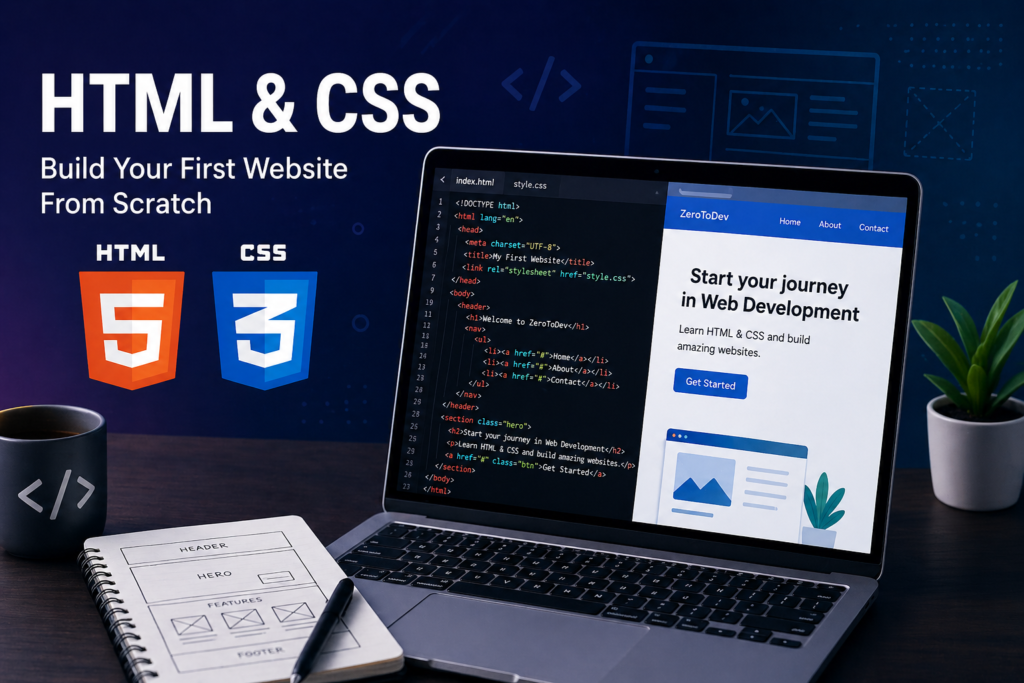

HTML & CSS for Beginners: Build Your First Website from Scratch
In the modern digital world, websites are everywhere—from simple blogs to complex platforms used by millions of people every day. But have you ever wondered how these websites are actually built?
The answer starts with two fundamental technologies: HTML and CSS.
If you are new to programming and want to enter the world of web development, learning HTML and CSS is the perfect first step. In this guide, you will understand what they are, how they work together, and how you can use them to build your first website from scratch.
What is HTML?
HTML stands for HyperText Markup Language. It is the standard language used to create the structure of web pages.
Think of HTML as the skeleton of a website. It defines the layout and organizes the content such as headings, paragraphs, images, links, and more.
Here is a very simple example of HTML:
<!DOCTYPE html>
<html>
<head>
    <title>My First Website</title>
</head>
<body>
    <h1>Hello, World!</h1>
    <p>This is my first web page.</p>
</body>
</html>
This code tells the browser how to display the content on a web page.
What is CSS?
CSS stands for Cascading Style Sheets. While HTML provides the structure, CSS is responsible for the design and appearance of the website.
If HTML is the skeleton, CSS is the skin, colors, and style.
With CSS, you can:
- Change colors
- Adjust fonts
- Add spacing and layout
- Create responsive designs
Example:
body {
    background-color: #0f172a;
    color: white;
    font-family: Arial, sans-serif;
}

h1 {
    color: #3b82f6;
}
This code changes the look and feel of your website.
How HTML and CSS Work Together
HTML and CSS are always used together.
- HTML builds the structure
- CSS styles that structure
Without CSS, websites would look plain and unorganized. Without HTML, there would be nothing to style.
When combined, they create visually appealing and functional websites.
Basic Structure of a Web Page
Every website follows a basic structure:
<!DOCTYPE html>defines the document type<html>is the root element<head>contains meta information<body>contains the visible content
Understanding this structure is essential before moving to more advanced topics.
Common HTML Elements
Here are some of the most important HTML elements every beginner should know:
<h1>to<h6>for headings<p>for paragraphs<a>for links<img>for images<div>for grouping elements<ul>and<li>for lists
These elements allow you to build almost any basic web page.
CSS Basics You Need to Know
To style your website effectively, you need to understand:
Selectors
They target HTML elements you want to style.
Properties
They define what you want to change (color, size, spacing).
Values
They specify how the property should appear.
Example:
p {
    font-size: 18px;
    color: #333;
}
Inline, Internal, and External CSS
There are three ways to use CSS:
Inline CSS
Applied directly inside HTML elements.
Internal CSS
Written inside a <style> tag in the head section.
External CSS
Stored in a separate file and linked to HTML.
Best practice is to use external CSS for clean and organized code.
Responsive Design
Today, websites must work on all devices—phones, tablets, and desktops.
Responsive design ensures that your website adapts to different screen sizes.
This is achieved using:
- Flexible layouts
- Media queries
- Modern CSS techniques like Flexbox and Grid
Building Your First Simple Website
Here is a simple example combining HTML and CSS:
<!DOCTYPE html>
<html>
<head>
    <title>ZeroToDev</title>
    <style>
        body {
            font-family: Arial;
            background-color: #f8fafc;
            text-align: center;
        }
        h1 {
            color: #2563eb;
        }
    </style>
</head>
<body>
    <h1>Welcome to ZeroToDev</h1>
    <p>Your journey starts here.</p>
</body>
</html>
This is a complete basic webpage.
Common Mistakes Beginners Make
- Forgetting to close HTML tags
- Mixing up HTML and CSS roles
- Writing messy or unorganized code
- Not practicing enough
Avoiding these mistakes will help you progress faster.
Best Practices for Beginners
- Keep your code clean and readable
- Use proper indentation
- Separate HTML and CSS into different files
- Practice by building small projects
- Learn by doing, not just reading
What Comes After HTML & CSS?
Once you understand HTML and CSS, the next step is learning JavaScript.
JavaScript adds interactivity to your website, such as animations, buttons, and dynamic content.
Together, HTML, CSS, and JavaScript form the foundation of web development.
Conclusion
HTML and CSS are the building blocks of every website on the internet. They are simple to learn, yet powerful enough to create beautiful and functional web experiences.
By mastering these technologies, you take your first real step into the world of programming and web development.
Start small, stay consistent, and keep building. Your journey from ZeroToDev has officially begun.