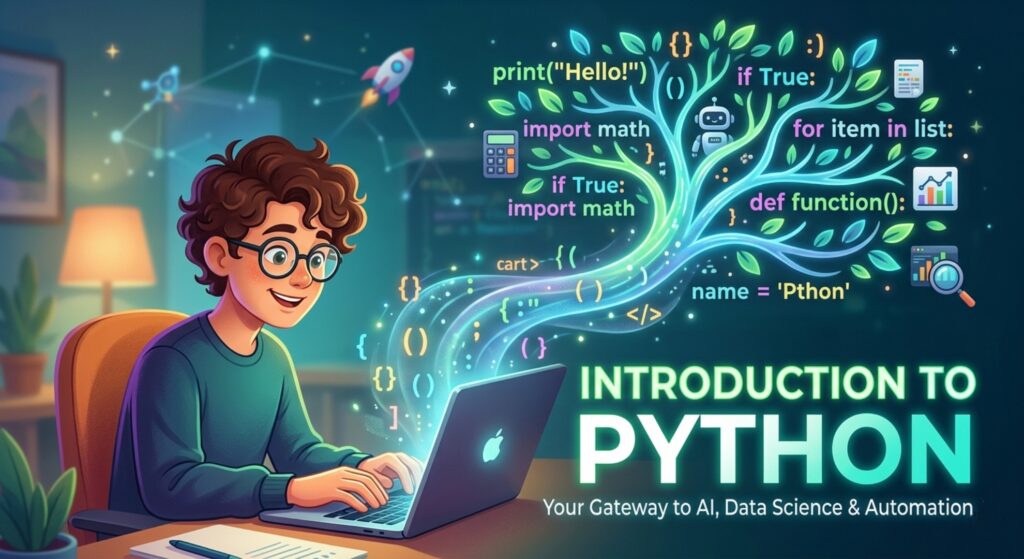

Master the world’s most popular language! This Introduction to Python covers basics, real-world apps, and coding logic to start your developer journey today.
Introduction to Python: Your Gateway to the Future of Technology
Have you ever wished you could speak a language that allows you to talk to robots, build artificial intelligence, or automate those soul-crushing spreadsheets that take up your entire Monday morning? If so, you are looking for an Introduction to Python.
In the vast landscape of programming languages, Python stands out like a friendly guide in a dense forest. While other languages might greet you with complex symbols and confusing rules, Python greets you with a syntax that feels almost like reading English. Whether you want to dive into data science, create the next hit web application, or simply make your computer do your chores, Python is the most versatile tool in your digital shed.
In this deep-dive guide, we will explore the heart of Python, understand why the world’s biggest companies are obsessed with it, and write actual code that works. Ready to transform from a tech consumer into a tech creator? Let’s begin.
1. What is Python? The Friendly Giant of Code
Python is a high-level, interpreted, general-purpose programming language. Created by Guido van Rossum and first released in 1991, its design philosophy centers on one thing: readability.
Let’s break down those technical terms into “human” speak:
- High-Level: This means you don’t have to worry about the computer’s “guts” (like memory management). You focus on solving the problem, and Python handles the heavy machinery.
- Interpreted: You don’t need to turn your code into a complex machine file before running it. You write it, and an “interpreter” reads it line-by-line, almost like a translator at a UN meeting.
- General-Purpose: Unlike some languages designed only for websites or only for statistics, Python can do anything. It is the “Swiss Army Knife” of code.
The “English” Comparison
If you wanted to print “Hello World” in Java, you’d need about five lines of code and a lot of curly brackets. In Python, it is literally:
print("Hello World")It’s that simplicity that has made Python the #1 choice for beginners and NASA engineers alike.
2. Why is Python So Important in 2026?
You might wonder, “Is Python still relevant?” The answer is a resounding yes. In fact, in 2026, Python is more dominant than ever.
- The Backbone of AI: If you are interested in ChatGPT, self-driving cars, or image generation, you are interested in Python. Almost every major Artificial Intelligence framework (like TensorFlow or PyTorch) is built on Python.
- Data Science Dominance: Data is the new oil. Python allows researchers to clean, analyze, and visualize millions of data points in seconds.
- Automation (The Productivity Secret): Python can move files, scrape websites, send emails, and fill out forms. People use it to save hundreds of hours of manual work.
- Low Barrier to Entry: Because the code is easy to read, the “frustration factor” for beginners is much lower than with languages like C++ or Rust.
3. Core Concepts Explained: Step-by-Step
In this Introduction to Python, we need to master the “grammar” of the language. Don’t worry—you don’t need a math degree to get this.
A. Variables: The Digital Sticky Notes
Think of a variable as a label you put on a piece of data so you can find it later.
name = "Sarah"
age = 28
is_learning = True
In Python, you don’t have to tell the computer that 28 is a number; it’s smart enough to figure it out on its own. This is called Dynamic Typing.
B. Data Types: The Flavors of Info
Python handles different types of data with specific “flavors”:
- Strings: Text (always inside quotes).
- Integers: Whole numbers.
- Floats: Decimals (like 99.9).
- Booleans: True or False (the logic of the machine).
C. Lists and Dictionaries: The Organizers
- Lists: Like a grocery list. fruits = [“apple”, “banana”, “cherry”]
- Dictionaries: Like a real dictionary or a phone book. It pairs a “Key” with a “Value.” user = {“name”: “Alex”, “email”: “alex@email.com”}
D. Indentation: The Rule of Law
In most languages, you use { } to group code. In Python, we use spaces. This forces your code to look clean and organized. If you don’t indent properly, the code won’t run. This is one of Python’s most famous (and helpful) features.
4. Practical Examples: Logic and Flow
Let’s look at how we make decisions and repeat tasks in Python.
The “If” Statement (Making Decisions)
temperature = 30

if temperature > 25:
    print("It's a hot day!")
else:
    print("It's a nice day.")
The “For Loop” (Repeating Tasks)
Imagine you have a list of 100 names and you want to say “Hi” to all of them. You don’t want to type print 100 times.
friends = ["Joey", "Monica", "Chandler"]

for name in friends:
    print(f"Hi {name}, how you doin'?")
5. Common Mistakes to Avoid
Even the pros trip up. Keep an eye out for these:
- Case Sensitivity: myVariable and myvariable are two different things in Python.
- Mixing Tabs and Spaces: Always use 4 spaces for indentation. Most modern editors (like VS Code) do this for you automatically.
- Off-by-One Errors: In Python, we start counting at 0, not 1. So, in a list, the first item is list[0].
- Forgetting Colons: Every if, for, and def line must end with a colon :.
6. Pro Tips & Best Practices
💡 Pro Tip: Use “Pythonic” code. This means writing code that is not just functional, but clean and readable. Follow the PEP 8 style guide—it’s the “Fashion Bible” for Python developers.
- Comment Your Code: Use the # symbol to explain why you did something. Your future self will thank you.
- Use Virtual Environments: This is an intermediate tip, but learn about venv early. It keeps your different projects from “fighting” with each other.
- Don’t Reinvent the Wheel: Python has a massive library of pre-written code (called Modules). Need to do complex math? Use the math module. Need to scrape a website? Use BeautifulSoup.
7. Real-World Use Cases: Who Uses Python?
- Instagram: Uses Python (Django framework) to handle its massive web traffic.
- Spotify: Uses Python for data analysis and their recommendation engine (the one that knows you love 80s synth-pop).
- Netflix: Uses Python for everything from security to content delivery.
- NASA: Uses Python to analyze shuttle telemetry and plan missions.
8. Mini Project: The “Unit Converter”
Let’s build something practical. We will create a script that converts Celsius to Fahrenheit.
The Logic:
- Ask the user for a temperature in Celsius.
- Apply the formula: F = (C \times 9/5) + 32.
- Display the result.
The Code:
print("Welcome to the Temperature Converter!")

# 1. Get Input
celsius = float(input("Enter temperature in Celsius: "))

# 2. Calculate
fahrenheit = (celsius * 9/5) + 32

# 3. Output
print(f"{celsius}°C is equal to {fahrenheit}°F")
9. FAQs (Frequently Asked Questions)
Q1: Is Python hard for absolute beginners?
Actually, it’s arguably the easiest “serious” language to learn. Its syntax is very close to English, which lets you focus on logic rather than memorizing symbols.
Q2: Do I need a powerful computer for Python?
Not at all. You can write Python on a 10-year-old laptop, a Chromebook, or even a tablet using online editors like Replit or Google Colab.
Q3: How is Python used in AI?
Python acts as the “glue.” While the heavy math of AI is often written in faster languages like C++, Python provides the easy-to-use interface that scientists use to build and train models.
Q4: Should I learn Python 2 or Python 3?
Python 3. Python 2 was officially retired in 2020. If you see a tutorial for Python 2, skip it!
Q5: Can I build mobile apps with Python?
You can (using libraries like Kivy or BeeWare), but it’s not Python’s strongest suit. If your only goal is to build iPhone apps, Swift might be a better choice. But for everything else, Python is king.
10. Conclusion: Your Journey Begins Today
We’ve covered a lot in this Introduction to Python. From variables and loops to the philosophy of clean code, you now have the map to the most powerful language in the world.
Python isn’t just a programming language; it’s a tool for empowerment. It gives you the ability to build, automate, and analyze in ways that were impossible just a few decades ago. The “magic” of tech isn’t in the hardware—it’s in the logic you are about to master.
Start practicing now! Don’t just read this article and close the tab. Download Python from python.org, install VS Code, and try to run the temperature converter script we built above.
Check our next guide: [Python for Data Science: The Beginner’s Roadmap]